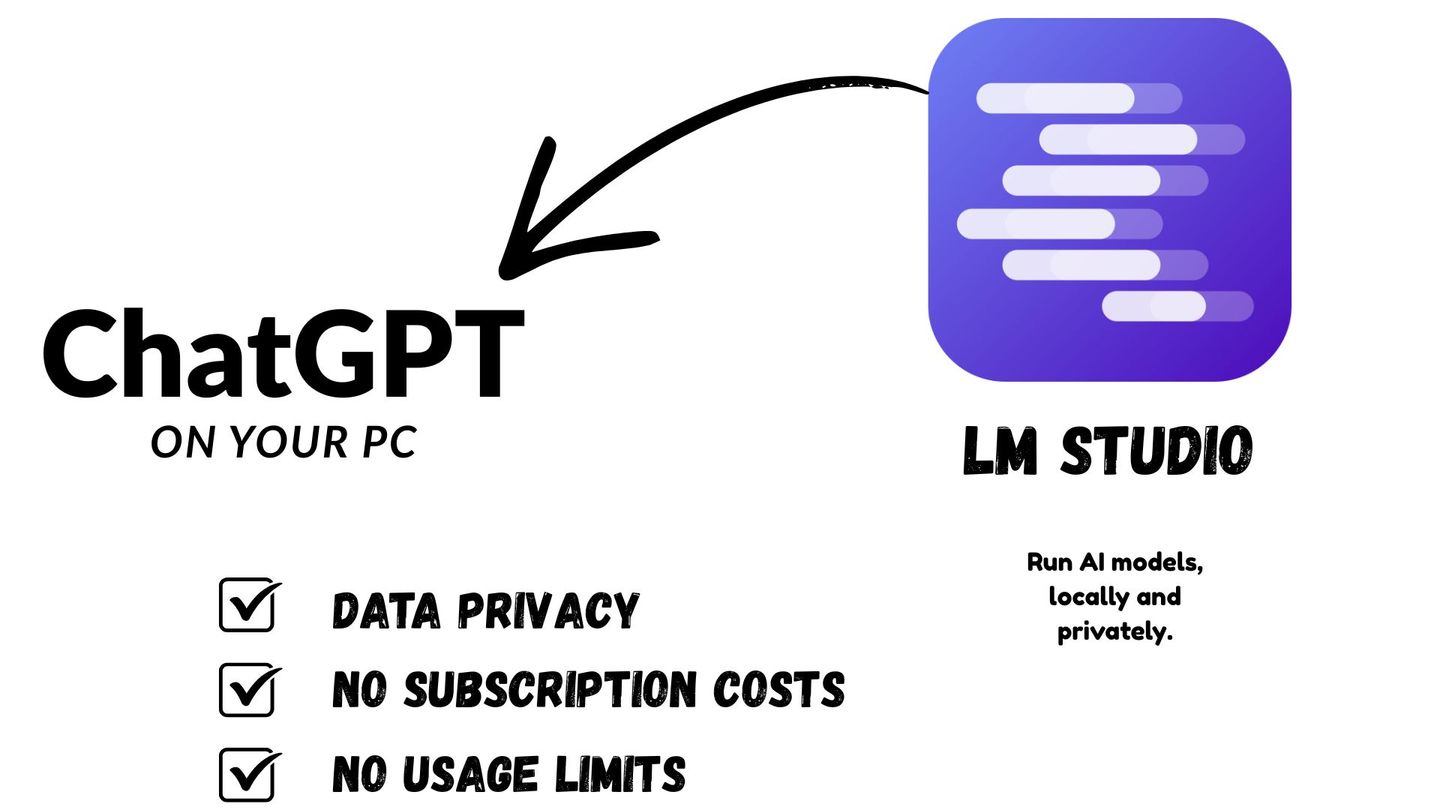
LM Studio is one of the easiest tools for running AI models directly on your own computer. Instead of sending every prompt to an online service, you can download a local language model and chat with it on Windows, macOS, or Linux.
This makes LM Studio useful for students, writers, researchers, developers, and anyone who wants to experiment with AI more privately.
Key takeaways
- LM Studio lets you download and run local AI models on your computer.
- It works on Windows, macOS, and Linux.
- You can use models such as Llama, Qwen, DeepSeek, Phi, Gemma, and other open models.
- LM Studio includes a chat interface, model downloader, local API server, document chat, and developer tools.
- It is a good choice for beginners because it avoids complicated terminal commands.
What Is LM Studio?#
LM Studio is a desktop app that lets you run large language models, also called LLMs, locally on your computer. A large language model is the type of AI system used to answer questions, summarize text, write drafts, explain concepts, and generate code.
The official LM Studio website describes it as a way to “run AI models, locally and privately.” The app supports popular local models such as Llama, Qwen, DeepSeek, Gemma, Phi, and others.
In simple terms, LM Studio gives you a ChatGPT-like interface, but the model runs on your own machine.
How LM Studio Works#
LM Studio works by downloading model files to your computer and loading them into memory when you want to chat. Many of these models use the GGUF format, which is commonly used by llama.cpp. On Apple Silicon Macs, LM Studio can also run MLX models.
After a model is loaded, you type a message into the chat window. The model then generates a response locally. Your speed depends on your hardware, model size, RAM, VRAM, and whether your CPU, GPU, or Apple Silicon chip is doing the work.
LM Studio can also work as a local AI server. This means developers can connect other apps to it using OpenAI-compatible API endpoints. For example, an app that normally connects to OpenAI can often be pointed to LM Studio by changing the base URL to your local server.
How to download, install, and run local AI models using LM Studio on Windows, macOS, or Linux.
- 1. Download LM Studio
Go to lmstudio.ai and click the download button for your operating system. LM Studio supports Windows, macOS, and Linux.
- 2. Install LM Studio
Run the downloaded installer and follow the prompts. On macOS, drag LM Studio to your Applications folder.
- 3. Browse and download a model
Open LM Studio and go to the Discover tab. Search for a model such as Llama 3 or Mistral, then click Download. LM Studio fetches it from Hugging Face.
- 4. Load the model
Go to the Chat tab. Use the model selector at the top to load your downloaded model. Wait a few seconds for it to initialise.
- 5. Start chatting
Type your message in the chat input and press Enter. Your conversation runs entirely on your own computer, with no data sent to external servers.
How to Download LM Studio#
To get the app, go to the official LM Studio download page:
LM Studio is available for Windows, macOS, and Linux. The official documentation states that it generally supports Apple Silicon Macs, x64 and ARM64 Windows PCs, and x64 Linux PCs.
How to Install LM Studio on Windows, macOS, and Linux#
Windows#
Go to the LM Studio website and click the Windows download button. After downloading the installer, open it and follow the setup instructions.
Once installed, launch LM Studio from the Start Menu. If you want LM Studio to auto start on Windows, you can add the app shortcut to the Windows Startup folder.
Press Win + R, type shell:startup, and place the LM Studio shortcut there.
For advanced users on Windows, LM Studio also offers a no-GUI deployment option called llmster. The official command for Windows install is:
irm https://lmstudio.ai/install.ps1 | iexmacOS#
On macOS, download the Mac version from the official website. Open the downloaded file and move LM Studio into your Applications folder.
If you use an Apple Silicon Mac, such as an M1, M2, M3, M4, or newer chip, LM Studio can take advantage of Apple’s local AI performance through supported runtimes.
Linux#
On Linux, download the Linux Deb version or the AppImage version from the LM Studio website. I would recommend the AppImage version. Depending on the package format provided, you may run it as an AppImage or install it using the available Linux package.
For advanced users, LM Studio also offers a no-GUI deployment option called llmster. The official command for Mac and Linux is:
curl -fsSL https://lmstudio.ai/install.sh | bashThis is mainly useful for servers, automation, and headless systems.
How to Download and Run Models in LM Studio#
After installing LM Studio, open the app and go to the model search or discover section.
Search for a model such as Qwen3.5, Phi-4, Gemma 4. Choose a model size that fits your computer. Smaller models are faster and easier to run. Larger models usually give better answers but need more memory.
Click download, wait for the model to finish downloading, then load it in the chat screen.
After that, you can type a prompt such as:
“Explain artificial intelligence in simple terms for a first-year university student.”LM Studio also supports document chat. This lets you attach documents and ask questions about them offline. This is useful for students who want to summarize notes, understand PDFs, or review study material privately.
A screenshot of the LM Studio interface showing the chat panel, model selector, and model download area.
LM Studio gives beginners a simple interface for downloading, loading, and chatting with local AI models.
Is LM Studio free?
LM Studio is free for personal use. You can download it from lmstudio.ai and run local AI models without any subscription. A paid commercial licence exists for business use. The models you download through LM Studio are also free and open-source, so there are no ongoing costs for personal or educational use.
Does LM Studio work offline?
Yes. Once you have downloaded LM Studio and your chosen models, everything runs fully offline on your own computer. No data is sent to external servers during your conversations. You need an internet connection only to download LM Studio initially and to browse and download new models from the model library.
What models can LM Studio run?
LM Studio can run any model in GGUF format, which includes thousands of open-source models. Popular choices include Llama 3, Mistral, Gemma, Phi, Qwen, and DeepSeek. LM Studio's model browser connects directly to Hugging Face, making it easy to discover and download new models from within the app.
Does LM Studio need a GPU?
A GPU is not required, but it significantly improves speed. Without a GPU, models run on your CPU, which works but is slower for larger models. With an NVIDIA GPU, LM Studio uses CUDA for fast inference. Apple Silicon Macs benefit from Metal GPU acceleration. For casual use with smaller models, CPU-only inference is workable.
Is LM Studio better than Ollama?
LM Studio and Ollama are both excellent local AI tools with different strengths. LM Studio provides a polished graphical interface and a built-in model browser connected to Hugging Face, making it friendlier for beginners. Ollama is lighter and has stronger API support for developers. For a visual, beginner-friendly experience, LM Studio is often the preferred starting point.
Why I Recommend LM Studio#
I recommend LM Studio because it is beginner-friendly. Many local AI tools require terminal commands, manual setup, or technical configuration. LM Studio makes the process easier by combining model search, downloads, chat, settings, and local server features in one interface.
It is also useful for privacy. If the model is downloaded and running locally, your prompts can stay on your computer. This is helpful for students, researchers, and professionals who do not want to send every draft or note to a cloud service.
LM Studio is also flexible. Beginners can use the chat interface, while advanced users can use the local API server, tool use, MCP support, and developer integrations.
There are limits. Local AI models still need strong hardware, and smaller models may not match the best cloud AI systems. They can also hallucinate, so important claims still need checking.
Final Thoughts#
LM Studio is a strong starting point for anyone who wants to try local AI without a complicated setup. It works across Windows, macOS, and Linux, supports many open models, and gives users a clean way to download, run, and test AI models privately.
For beginners learning AI, LM Studio is valuable because it makes local AI practical. You can see how models work, compare different models, and experiment safely on your own computer.
Reference#
LM Studio. (n.d.). LM Studio chat interface [Screenshot]. LM Studio. https://lmstudio.ai/assets/marketing/docs/chat.png