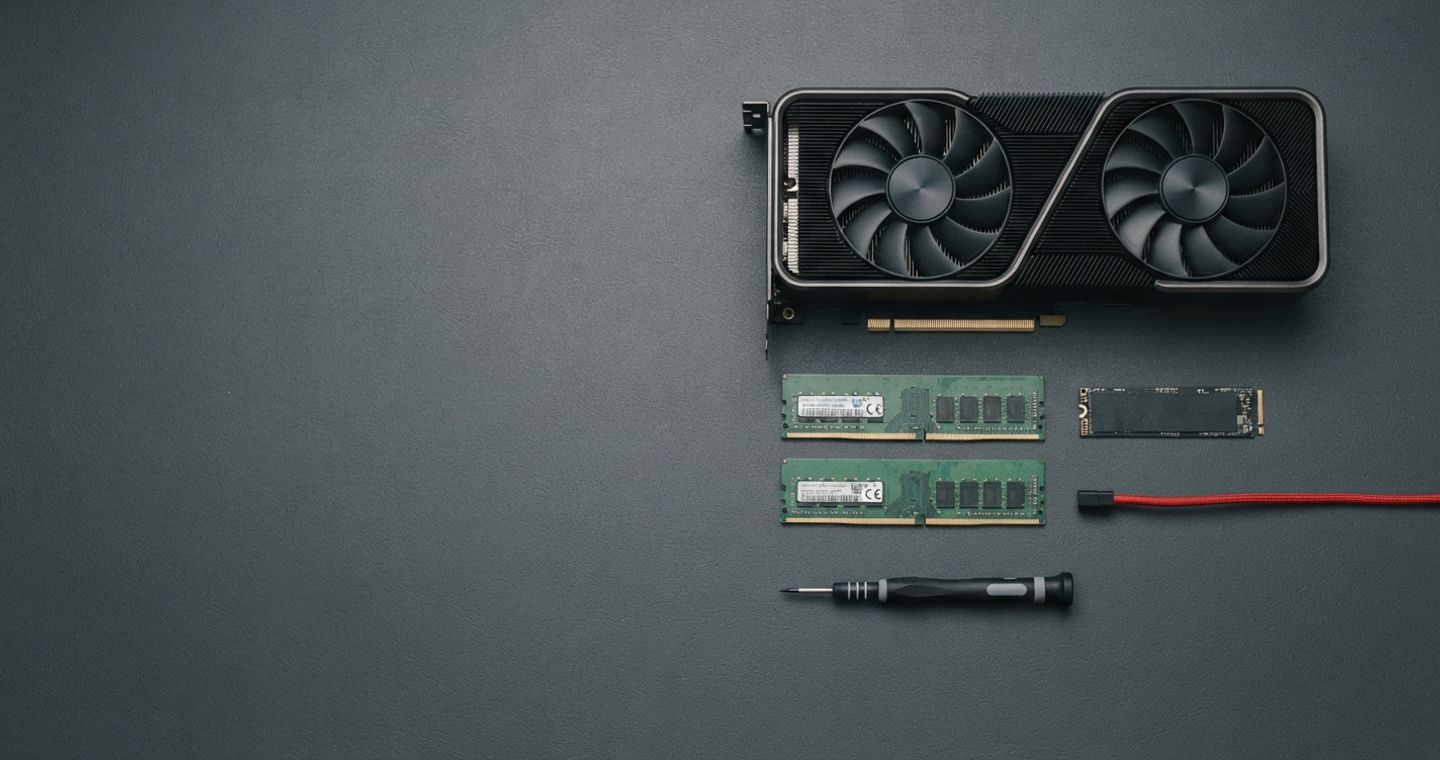
What hardware do you need to run AI models locally? The honest answer: less than you think for small models, and more than you hope for big ones. Three numbers decide everything — VRAM, system RAM and disk — and a small, quantized model can run on hardware you already own. This guide gives you a sizing table, a tier-by-tier breakdown and a testing method, with estimates clearly marked where you should verify them yourself.
What Hardware Do You Need to Run AI Models Locally?#
Local AI is a memory game. A model's size is measured in parameters — the adjustable "knobs" inside it — and the memory needed is roughly the parameter count times the bytes per parameter at your chosen precision. A 7-billion-parameter model at 4-bit precision needs about 3.5 GB of memory for its weights alone, plus more for context and software. That is why a laptop with 16 GB can run useful models today, and why "how much VRAM to run Llama?" has a different answer for every model, quant and machine.
The Only Three Numbers That Matter: VRAM, RAM, Disk#
Three numbers decide whether a model runs well on your machine, and in practice only the first one is ever the problem. VRAM holds the model while it runs and sets your speed, system RAM catches whatever does not fit, and the disk only has to store the file.
| Number | What it does | Why it matters |
|---|---|---|
| VRAM (GPU memory) | Holds the model while it runs | The single biggest speed factor; models that fit in VRAM run fast |
| System RAM | Holds what doesn't fit in VRAM | When the model "offloads" to RAM, speed drops sharply |
| Disk (NVMe) | Stores model files | Loading a 40 GB model file is painful on slow storage |
Table: the three numbers that matter, per Microsoft Learn and Galante (Medium). NVMe storage is "non-negotiable" in the hardware reporting.
A practical rule from the field: 24 GB of VRAM is the sweet spot for running competent 30–70B models with decent quantization; Apple Silicon with 64 GB+ of unified memory can run much larger models because the GPU can access all system RAM.
Model Size × Quantization → Memory Needed#
Memory needed is roughly the parameter count multiplied by the bytes per parameter, which at Q4 works out to a little over half a gigabyte per billion parameters once overhead is counted. That puts an 8B model inside an 8 GB card and a 70B model at around 40 GB.
| Model | Parameters | Quantized size (Q4) | Minimum memory | Source |
|---|---|---|---|---|
| Phi-4-mini | 3.8B | ~2.5 GB | 4 GB | iproyal comparison (Aug 2026) |
| Qwen 3 8B | 8.2B | ~4.5 GB | 8 GB | iproyal comparison |
| Gemma 4 12B | 12B | ~7.5 GB | 16 GB | iproyal comparison |
| Mistral Small 3 | 24B | ~14 GB | 16 GB | iproyal comparison |
| Qwen 35B MoE | 35B | ~20 GB | ~20 GB | Hoke guide (May 2026) |
| Llama 70B-class | 70B | ~40 GB | ~40 GB | Hoke guide |
| Llama 4 Scout | 109B (MoE) | ~60 GB | ~60 GB | iproyal comparison |
| gpt-oss-120b | 120B | ~65–70 GB | ~65–70 GB | Hoke guide |
Table: model size × quantization → memory needed, using published 2026 estimates that include overhead. Different guides agree closely (Hoke: 7B 4–5 GB, 13B 7–8 GB, 35B ~20 GB, 70B ~40 GB, 120B ~65–70 GB). Context length, the KV cache and the runtime add more. The brief for this post says it plainly: verify numbers against the model card and your own machine rather than trusting tables online.
Quantization is what makes local AI feasible: reducing precision from 16 bits to 4 bits per parameter roughly quarters the memory needed, with a modest quality trade-off. Tools like llama.cpp and Ollama handle quantized models automatically, which is why "can my laptop run local AI?" is increasingly answered "yes, for small models".
GPU vs CPU-Only vs Apple Silicon Unified Memory#
Where the model physically sits is what decides how fast it runs. A discrete GPU is quickest but capped by fixed VRAM, a CPU-only machine manages small models and little else, and Apple Silicon lets the GPU reach all system RAM, which is why a 64 GB Mac holds models a 24 GB card cannot.
| Option | Strength | Limit |
|---|---|---|
| NVIDIA/AMD GPU | Fastest inference; 24 GB runs 30–70B at Q4 | VRAM is expensive and fixed |
| CPU-only / integrated graphics | Runs small models (Phi-class 3.3B) on any machine | Slow; big models impractical |
| Apple Silicon unified memory | 64 GB+ runs up to ~120B at Q4 | Apple ecosystem only; RAM is the cost |
Table: GPU vs CPU-only vs Apple Silicon, from the hardware reporting in the supplied materials.
There is one number that matters more than raw compute for local inference: memory bandwidth. Every token the model generates requires reading the weights out of memory, so the bus speed sets your ceiling on tokens per second. That is why a 2026 buyer's guide ranks machines by bandwidth, not clock speed, and why a lower-compute card with more bandwidth often wins on inference.
What "Offloading" Means and Why It Slows Things Down#
When a model is too big for VRAM, the software splits it: some layers live in VRAM, the rest in system RAM, and data shuttles between them on every step. This "offloading" is why a 70B model can technically run on a 16 GB laptop but feel glacial. The reporting is consistent: memory bandwidth is the bottleneck, not the model's intelligence. If you are CPU-only, expect small models and patience; if you want speed, fit the model in VRAM.
Realistic Expectations by Tier#
Capability rises in steps rather than smoothly, and each step is a memory threshold. Integrated graphics manage a 4B model, 8 GB of VRAM handles the 7 to 8B class at usable speed, 24 GB is the reported sweet spot at 27 to 32B, and 64 GB or more of Apple unified memory reaches roughly 120B.
| Tier | What fits (Q4 estimate) | Community price / example | Realistic use |
|---|---|---|---|
| CPU-only / integrated graphics | 3.3–4B class (Phi-4-mini) | Anything you already own; $351 mini PCs run 35B MoE models slowly | Summarisation, classification, offline experiments |
| 8 GB VRAM | 7–8B class (Qwen 3 8B) | Laptop GPUs (e.g. RTX 4060): ~30–40 tok/s on an 8B model (community) | Chat, drafting, simple coding help |
| 12–16 GB VRAM | 13B class; 35B MoE with tricks | RTX 4070 12GB: 35B MoE at 58–62 tok/s (Hoke) | Better quality, RAG over personal documents |
| 24 GB VRAM | 27–32B class (Qwen3.8-27B) | Used RTX 3090 (~$900 card, ~$2.5k system): 27B at ~37 tok/s (kingy.ai) | Strong quality; the reported sweet spot |
| 32 GB VRAM | 27B at very high speed | RTX 5090: ~150–200 tok/s reported (r/LocalLLM) | Speed-focused setups |
| Apple 64–128 GB unified | up to ~120B class | Mac Mini M4 Pro 64GB ~11–12 tok/s (DEV); M5 Max 128GB ~34 tok/s (kingy.ai) | Large models on one machine |
Table: tier expectations with published 2026 prices and reported speeds — each speed belongs to an exact setup, not a promise. Measure yours with the test below.
Real-world speeds reported in 2026 (community and independent tests)
| Setup | Model and quant | Reported speed | Source |
|---|---|---|---|
| RTX 3090 24 GB | Qwen3.8-27B Q4_K_M, llama.cpp | 37.4 tok/s (60.3 with draft) | kingy.ai (Aug 2026) |
| RTX 5090 32 GB | Qwen3.8-27B, NInfer | ~150–200 tok/s | r/LocalLLM |
| RTX 4070 12 GB | Qwen3-35B-A3B MoE | 58–62 tok/s | Hoke guide (May 2026) |
| GTX 1060 6 GB | 35B MoE, optimised | ~17 tok/s | Hoke guide |
| Strix Halo (Ryzen AI Max+ 395) | Qwen3.6-35B-A3B MoE | 45–50 tok/s | Frontier Lab (June 2026) |
| Laptop RTX 4060 8 GB | Qwen3 8B Q5_K_M | 30–40 tok/s | r/LocalLLM |
| Mac Mini M4 Pro 64 GB | 13–30B class | ~11–12 tok/s | DEV community guide |
| MacBook Pro M5 Max 128 GB | DeepSeek custom (~81 GB) | 34.1 tok/s mean | kingy.ai |
Table: reported tokens-per-second for specific setups, so you can calibrate expectations. Different backends, quants and contexts change these numbers — the speed bands used by the kingy.ai guide: 20+ tok/s comfortable, 8–20 usable, 2–8 slow, below 2 not interactive.
Buying Advice, and When Not to Buy#
Buying hardware only pays off at volume. Renting an H100 costs about $2 an hour and ownership does not overtake that until somewhere between 12,500 and 15,000 hours of use, so occasional users are better off in the cloud and should first check what their current machine already manages.
- Buy when you run high-volume, repetitive workloads, need privacy, or want zero per-use cost. A rig for 70B+ models costs upwards of $3,000, and a 24 GB card is the reported sweet spot.
- Don't buy when your use is occasional. Cloud is cheaper at low volume — one H100 rental costs about $2/hour, and ownership only wins after 12,500–15,000 hours of use.
- Before buying, check what you already own: integrated graphics can run a 3.3B model today, and an 8 GB card handles 7–8B class models at Q4.
- GPU sourcing warning: enterprise-grade GPUs can take 36–52 weeks to arrive, so plan ahead if you commit.
- Community value picks (2026): a used RTX 3090 at roughly $900 remains the most-recommended way to get 24 GB of VRAM; $351 mini PCs can run a 35B MoE model for experiments; Strix Halo mini PCs ($1,800–3,000) offer 96–128 GB of unified memory at a fraction of Apple or NVIDIA prices.
- Buy memory now: on Strix Halo, DGX Spark and Apple machines the RAM is soldered — there is no upgrade path, and the 2026 DRAM crunch pushed prices up and big configurations out of stock.
- Dedicated appliances: the DGX Spark ($4,699) is a CUDA dev box more than a speed machine (273 GB/s); the Framework Desktop 128GB (~$3,978) is the open/repairable route; the M5 Max MacBook Pro 128GB ($6,699) is the portable large-model option.
Testing What You Already Own#
The fastest way to find your ceiling is to measure it on the machine you already have, rather than reasoning from anyone's table. Five steps will tell you what fits and where it starts to struggle.
- Install a runner: start with Ollama — one command gets you a model.
- Pick a small quantized model (7–8B, Q4) and watch memory usage while it responds.
- Measure tokens per second on a fixed prompt, then try a larger model and compare.
- If it feels too slow, check whether the model is offloading to RAM (task manager shows the tell).
- Repeat with LM Studio, llama.cpp or Jan and keep the one that fits your workflow.
Where to Go Next#
If you are still deciding whether local makes sense for you, our local AI vs cloud AI guide walks through the five-way trade-off with cost maths and a decision flowchart. The AI glossary covers the terms (parameters, quantization, VRAM), and our ChatGPT vs Claude vs Gemini comparison is the reference for the cloud side. The one rule to remember: the numbers in any online sizing table — including this one — are starting points, not gospel. Your hardware, your model card and your stopwatch are the final authority.
Sources#
Ollama documentation — hardware requirements and GPU support
Hugging Face — running LLM inference locally with Transformers
llama.cpp — build options and supported backends
Last reviewed: 22 August 2026. Model memory footprints change with each release; verify before buying. Re-checked quarterly.