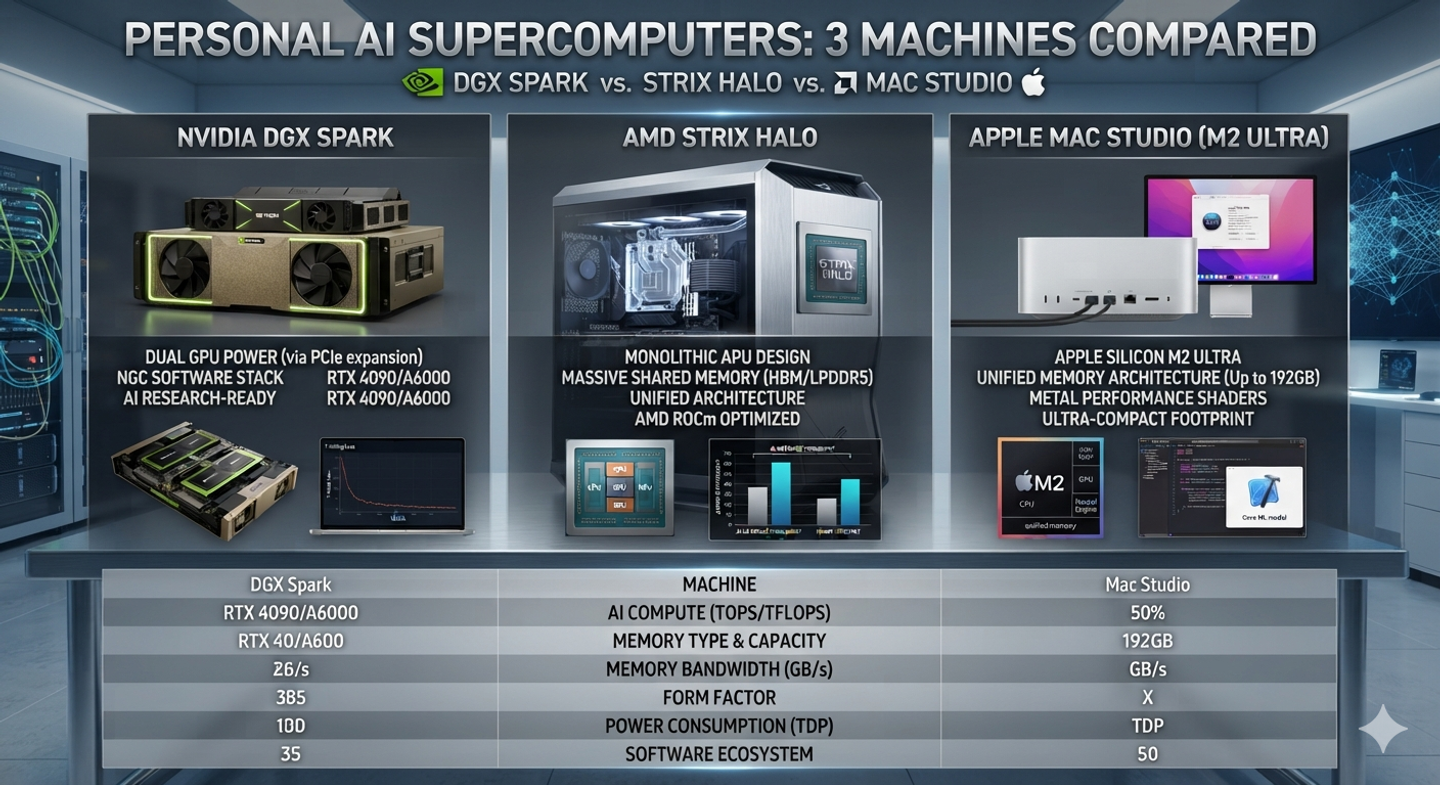
Personal AI supercomputers went from novelty to a serious buying category in 2026. The contenders are the NVIDIA DGX Spark, AMD's Strix Halo mini PCs, the Apple Mac Studio, and the old favourite — a used-GPU rig. The good news is that the buying decision is simpler than the marketing suggests: one number, memory bandwidth, decides most of your generation speed. This guide ranks the options with measured numbers from the supplied hardware guides, and tells you honestly which machine fits which buyer.
The One Spec That Decides Personal AI Supercomputer Speed#
Token generation is memory-bandwidth-bound. Every token you produce means reading the model's weights out of memory at least once, so the speed at which bytes cross the memory bus sets your ceiling on tokens per second. Compute matters for prompt processing, and capacity decides what fits at all — but the speed you actually feel in chat comes down to bandwidth.
That explains the whole market. A multi-GPU rig moves roughly 0.9 to 1.8 terabytes per second per card; an RTX 3090 manages 936 GB/s; a Mac Studio M3 Ultra hits 819 GB/s; an M5 Max 614 GB/s; a Mac Studio M4 Max 546 GB/s; a DGX Spark 273 GB/s; and a Strix Halo box 256 GB/s. The DGX Spark costs roughly twice a Strix Halo box while offering almost the same bandwidth — its premium buys CUDA and the NVIDIA software stack, not tokens per second.
The Candidates at a Glance#
Six machines cover the realistic range, and they separate on bandwidth and software stack rather than on price. A used 3090 workstation and a multi-GPU rig lead on bandwidth, the Macs and Strix Halo trade some of that for large unified memory and low power, and the DGX Spark sits last on bandwidth while offering the full CUDA stack.
| Class | Bandwidth | Max memory | Rough price | Software stack |
|---|---|---|---|---|
| Multi-GPU rig (2-4 used cards) | ~0.9-1.8 TB/s per card | 24-32 GB per card | $2,000-$6,000+ | CUDA |
| Mac Studio M3 Ultra | 819 GB/s | ~96 GB (was 512) | $3,999+ | MLX / Metal |
| Mac Studio M4 Max | 546 GB/s | up to 128 GB | $1,999+ | MLX / Metal |
| DGX Spark (GB10) + clones | 273 GB/s | 128 GB | $3,999-$4,699 | CUDA (full stack) |
| Strix Halo (Ryzen AI Max+ 395) | 256 GB/s | up to 128 GB | ~$1,800-$3,000 | Vulkan, ROCm |
| Used RTX 3090 workstation | 936 GB/s | 24 GB | ~$2,500 | CUDA |
Table: the core comparison from the Frontier Lab buyer's guide, with kingy.ai's used-3090 workstation price. Prices are dated snapshots.
Measured Tokens per Second#
The measured numbers tell a clear story, and the community's own benchmark threads broadly agree with the published guides. A used RTX 3090 running Qwen3.8-27B at Q4_K_M produces 37.4 tokens per second on a pinned llama.cpp build — and 60.3 with the matching MTP draft model enabled. A 12GB RTX 4070 gets 58-62 tok/s on a 35B-class MoE model, and a 24GB RTX 5090 does 60-90 tok/s on similar workloads.
A Strix Halo box runs a Qwen3.6-35B-A3B MoE at 45-50 tok/s — fast enough that latency stops being noticeable. An M5 Max measured 34.1 tok/s on DeepSeek; a DGX Spark measured 13.2 tok/s at 2K context, falling to 7.9 at 262K. A Mac Studio M4 Max handles 70B-class models at 8-15 tok/s.
| Device | Model | Tokens/sec | Source & label |
|---|---|---|---|
| RTX 3090 (used workstation) | Qwen3.8-27B Q4_K_M | 37.4 (60.3 with MTP draft) | kingy.ai measured (512-token median) |
| RTX 4070 12GB | 35B-class MoE | 58-62 | Paul Hoke guide |
| RTX 5090 24GB | 30B Q4 / 35B MoE | 60-90 | Paul Hoke guide |
| Strix Halo | Qwen3.6-35B-A3B MoE | 45-50 | Frontier Lab (author's own box) |
| Framework Desktop 128GB | gpt-oss-120b MXFP4 | 38 | Vendor benchmark (not independent) |
| M5 Max 128GB | DeepSeek | 34.1 | kingy.ai measured |
| DGX Spark | DeepSeek @ 2K context | 13.2 | kingy.ai measured |
| Mac Studio M4 Max | 70B-class | 8-15 | Paul Hoke guide |
Table: exact setups matter — speeds vary with model, quantization, context length and runtime. Treat every number as reported for that configuration, not as a universal spec.
Software Reality: CUDA, ROCm and MLX#
Hardware is only half the decision; the software stack decides whether the hardware works for you. NVIDIA's CUDA remains the most mature path — it is why the DGX Spark costs what it costs. The Spark is a prototyping and development box first: the same CUDA libraries as the big data-centre systems in a compact case, with a genuine clustering option that links two units over 200GbE into a 256GB pool.
On Apple Silicon, MLX has matured into a genuinely good local-inference path, but you get neither CUDA nor ROCm. On Strix Halo, ROCm is the wildcard: the chip is the same across all the boxes, but the software stack varies, and buyers report that image and video generation through PyTorch/HIP is still rough — one experienced user spent months convinced it was a hardware problem before a different software stack proved otherwise.
The 2026 DRAM Crunch and Soldered Memory#
Timing matters more than usual in 2026 because the DRAM crunch is reshaping the whole category. All of these machines use LPDDR5X soldered to the package — there is no upgrading later, so whatever you buy is what you have for the machine's life. The DGX Spark took a $700 price hike, Apple cut the Mac Studio's big-memory options back to around 96GB after the 512GB option disappeared in March, and big configurations are scarce. The practical rule from the guides: decide what you need to run, then buy that capacity now rather than gambling on a market correction.
Two technical caveats keep coming up in the guides, and both are worth knowing before you compare spec sheets. First, installed memory is not free memory: a 128GB machine does not have 128GB available for weights once the operating system, allocator overhead and fragmentation take their share. Second, marketing numbers hide narrow cases — the DGX Spark's "1 petaFLOP" headline only holds for sparse FP4, and its 273 GB/s bandwidth puts it in Strix Halo territory for the decoding most users actually do. The guides are blunt about both: buy the Spark for CUDA and the ecosystem, not for tokens per second.
Power and noise are the last filter. A multi-GPU rig draws 700 watts and up under load and is loud enough that you will want it in another room; a Strix Halo box stays under 200W; a Mac Studio is silent and barely sips power; a used-3090 workstation sits between a gaming PC and a server in every sense. If the machine lives on your desk, that difference matters as much as bandwidth.
Who Should Buy Which Personal AI Supercomputer#
There is no best machine here, only a best match for what you actually do. Raw speed and training point to a multi-GPU rig, most single users are better served by a Strix Halo box, macOS users get the most polished experience from a Mac Studio, and anyone who needs CUDA parity with the cloud should buy the DGX Spark for its software rather than its decode speed.
| Buyer | Pick | Why |
|---|---|---|
| Raw speed, batch work, training | Multi-GPU rig (used 3090s) | Bandwidth + compute + CUDA; scalable by adding cards; loud and 700W+ under load |
| Most single users, MoE-heavy use | Strix Halo box | 45-50 tok/s on MoE models, up to 96GB model space, under 200W, half the price of Spark |
| macOS user, polished experience | Mac Studio (M3 Ultra) | 819 GB/s, silent, MLX; check current configs — DRAM crunch keeps cutting options |
| Needs CUDA parity with the cloud | DGX Spark | Full NVIDIA stack in a compact box; buy for software, not decode speed |
| Large-model portability | M5 Max MacBook | 128GB at 614 GB/s in a laptop; 34.1 tok/s measured on DeepSeek |
| Tight budget, 24GB enough | Used RTX 3090 workstation | ~$2,500, 936 GB/s, mature CUDA, replaceable PC parts |
Table: the verdicts from the supplied guides. There is no single best machine — there is a best machine per workload.
If you are new to running models at home, start with the hardware requirements for local AI and how to install Ollama, then come back to this comparison. And before you buy anything, read the 2026 memory crisis — prices and configurations are moving month to month.
Sources#
llama.cpp — build options and supported hardware backends
- Paul Hoke, The Complete Guide to Running Large Language Models Locally in 2026 (Medium, 2026) — cited in text; community and vendor figures are labelled as such in the tables.
Last reviewed: 22 August 2026. Prices, configurations and software support change quickly; re-verify the live store listings before buying. Re-checked quarterly.